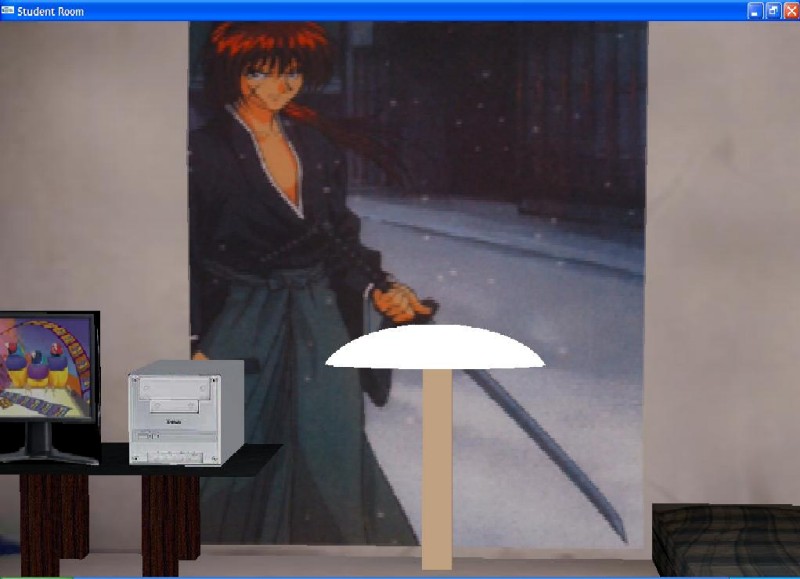
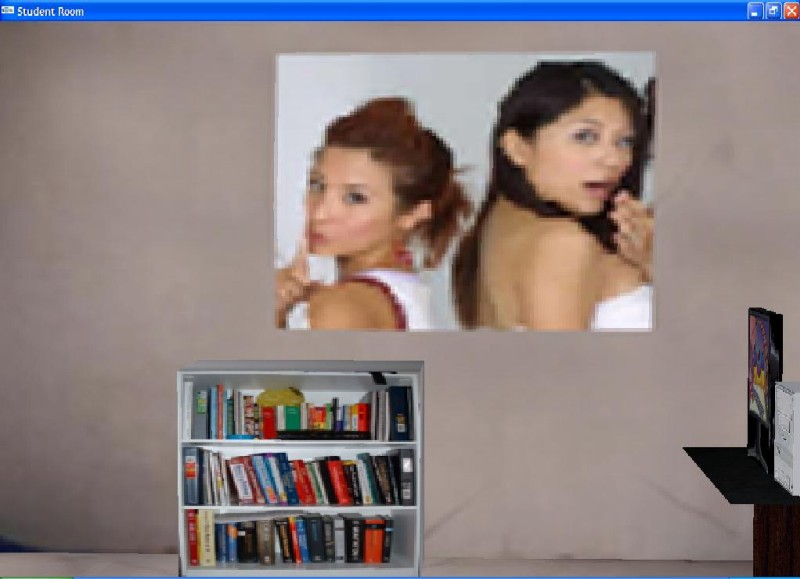
This program basically illustrates the room of a student. I has uses a great number of textures. The user can take a 360 degree tour of the room and also the user can look up and down.
File links: Readme.txt Program Link
Commands used in the program:
up down left right : controls the movement of the view.
button 1 : is used to control a red lamp light
button 3 : is used to control a green lamp light
-these two lights turned on will create a yellowish orange color light.
button 2 : is the main light switch for the halogen lamp effect, simulated by multiple
-white light sources that are non local.
button t : t is used to turn the tv on and off.
-while the tv is one a local white light will be turned on to simulate the lights
given off by a tv.
button s : changes between the smooth and flat shading this will illustrate the difference
of lights in the two shading mode.